Back to Latest Updates
The new Edubook mobile app is here, bringing your school community wherever you go. Stay connected with your classes, groups, and conversations from your phone, with the same experience you know on the web. This release also introduces threaded replies, secure file previews, and several improvements that make collaboration easier for everyone.
The new Edubook mobile app
Everything you need is now just a tap away.
- Your school’s identity — Open the app with your institution’s own name, logo, and branding.
- Instant notifications — Stay updated with real-time alerts wherever you are.
- Reliable on every connection — The app handles weak or interrupted networks more smoothly, helping you continue where you left off.
Better conversations
Discussions are now easier to follow and more engaging.
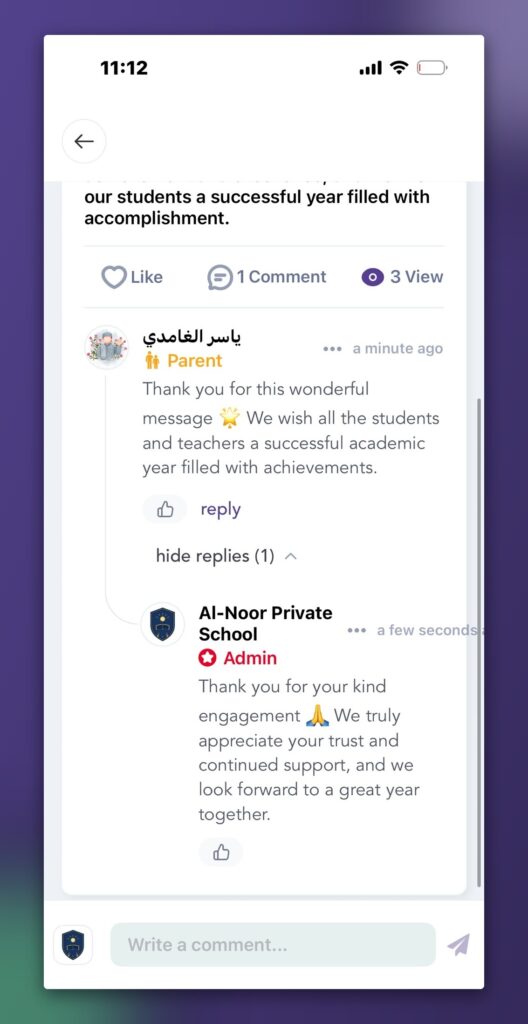
- Threaded replies — Reply directly to any comment and keep conversations organized.
- Like comments — Show appreciation with a single tap on both web and mobile.
Secure file previews
Opening shared files is now faster and safer.
- Preview before downloading — View attachments directly without downloading them first.
- Better photo compatibility — Photos captured on iPhone devices are automatically converted for reliable viewing.
More in this update
- Feed tabs — Quickly switch between Posts, Groups, and Articles.
- Automatic year promotion (Admin) — Students move to their next section automatically when the academic year closes.
- Simplified student enrollment (Admin) — Adding new students now takes fewer steps.
Fixes & Improvements
This release also includes several improvements across the platform:
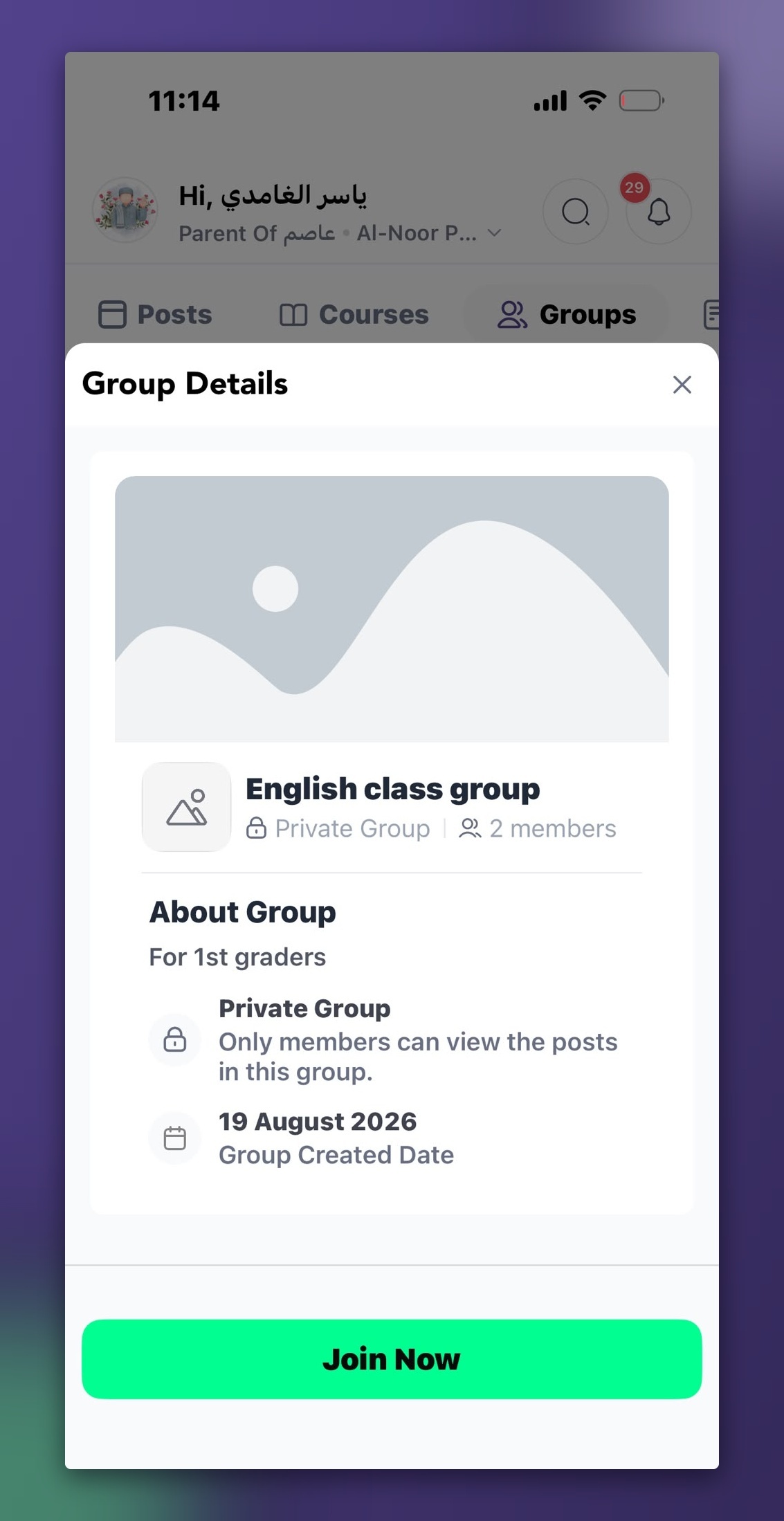
- Group information is now visible before joining, helping members understand the group before becoming part of it.
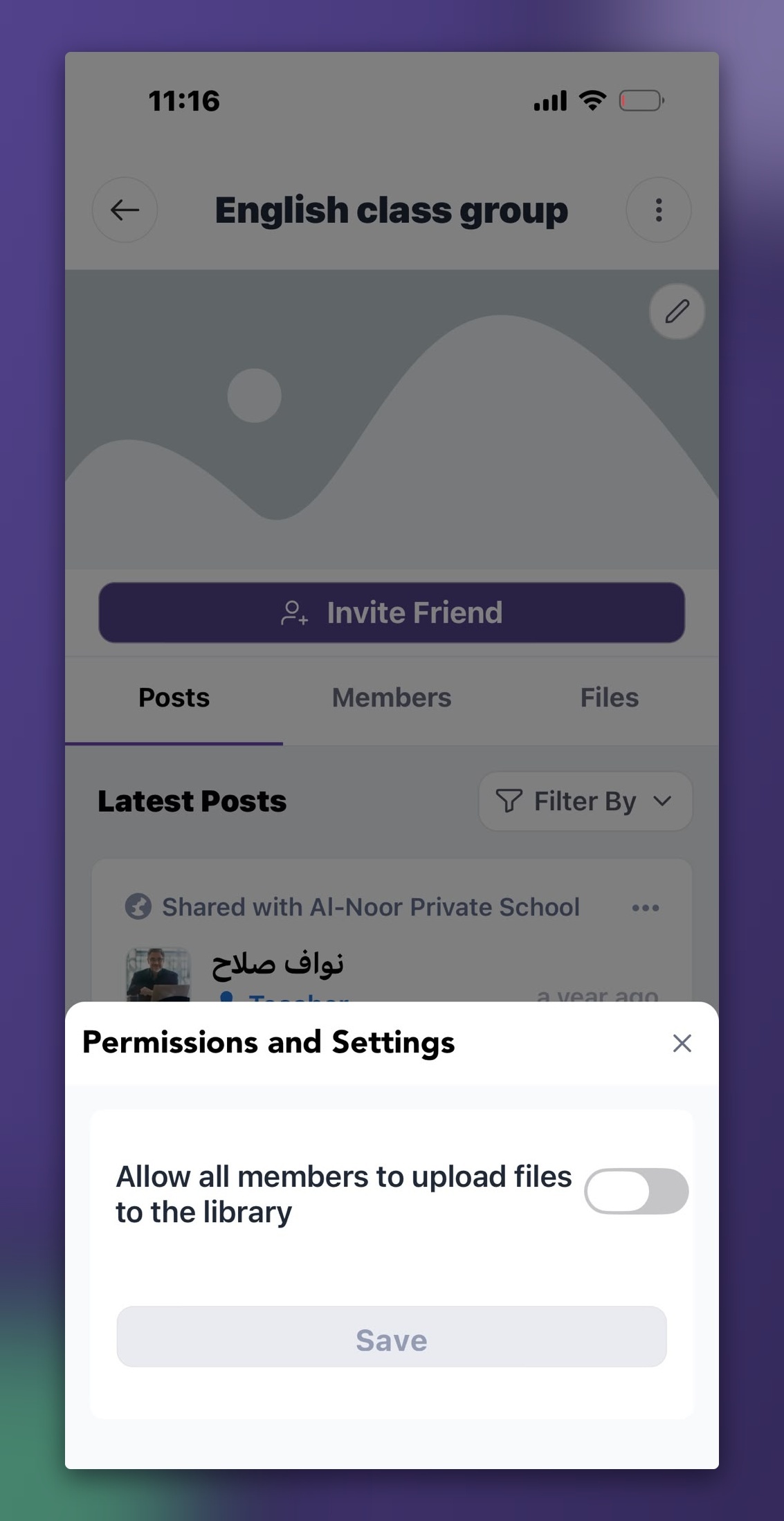
- Administrators have better control over who can publish within groups.
- Updating group cover images is now simpler and more intuitive.